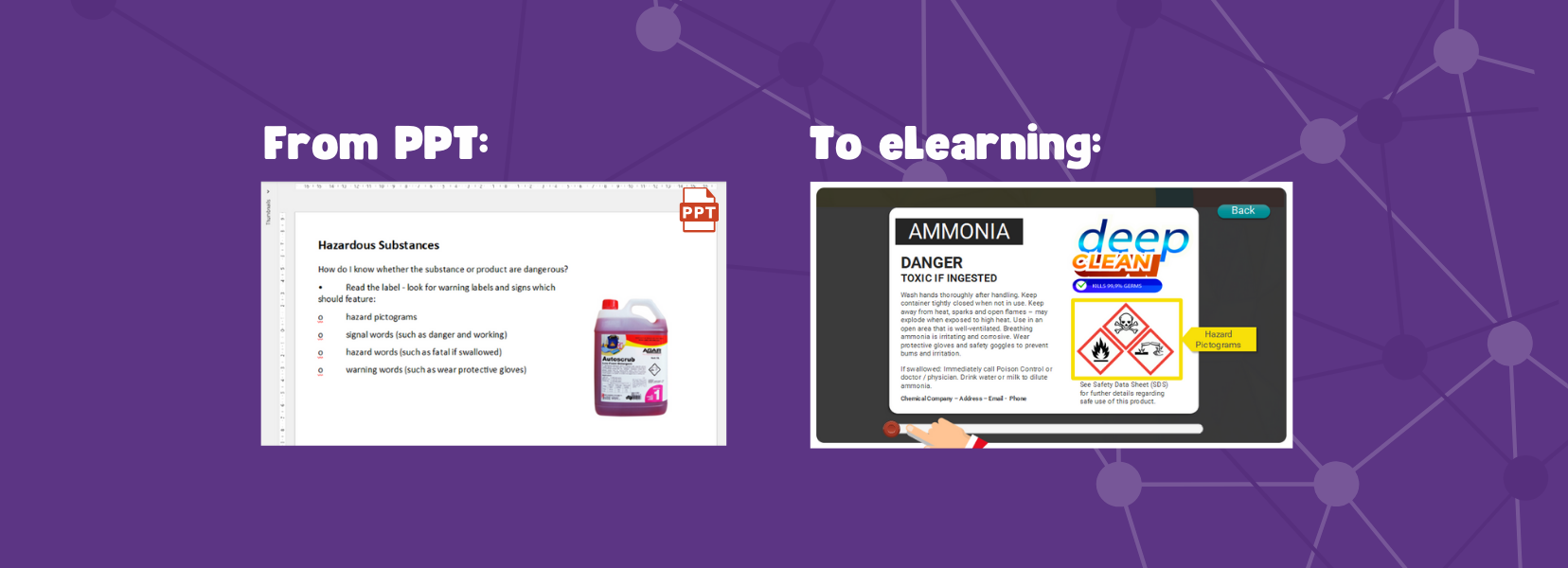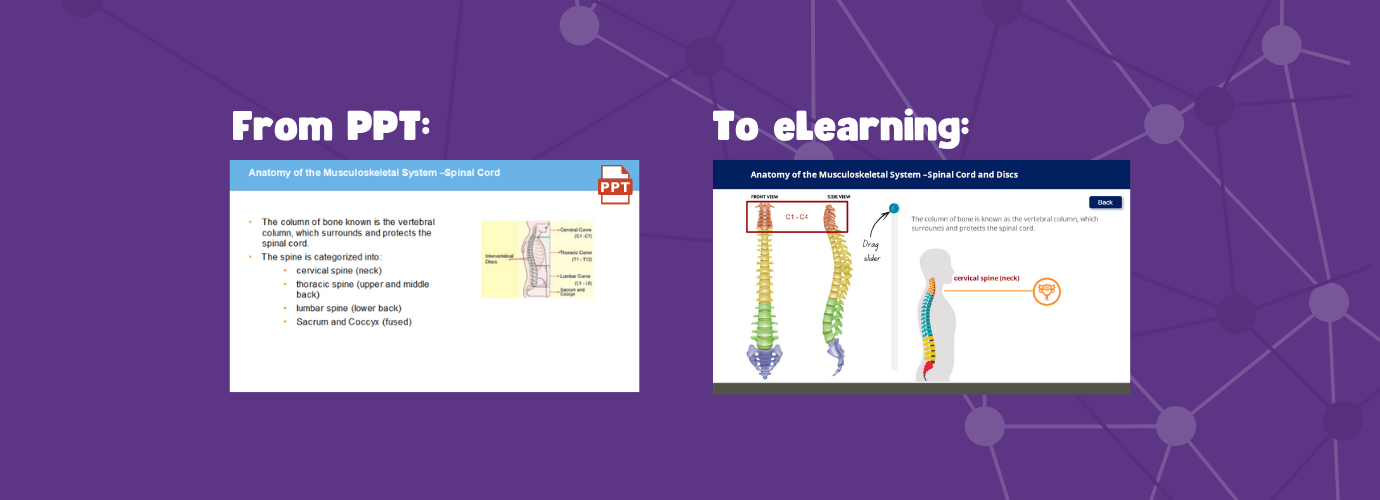

If you’ve ever thought,
“We’ve got a PowerPoint, but we don’t know how to turn it into online training…”
Good news: You’re already halfway there.
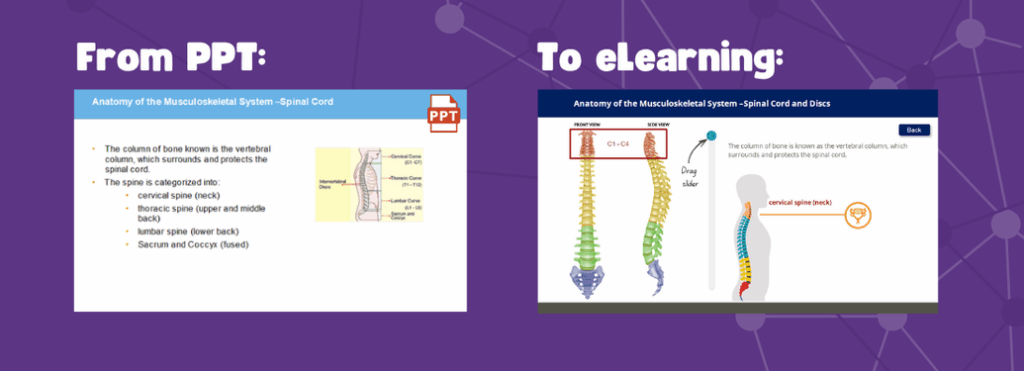
As an eLearning developer, my favourite kind of storyboard is a client-supplied PowerPoint. Why?
Because it makes the process simple, efficient, and gives me exactly what I need to help you bring your content to life.
What is a storyboard (and why does it matter)?
A storyboard is simply the plan for your eLearning. It helps us:
- Break content into manageable screens
- Identify key messages, and give us ideas for visuals, and interactions
- Build a learner-focused experience (not just a content dump)
But guess what? You probably already have a draft storyboard—it’s just hiding inside your PowerPoint.
Why I love working from PowerPoint
Here’s what a well-prepped PowerPoint gives me:
- A natural flow – your content is already broken into slides
- Key talking points – I can see what you want to say
- A visual starting point – even if it’s rough, it helps
- Context – I understand your intent and tone
From there, I can suggest content additions, interactive elements, streamline text, and align everything with good learning design.
Want to turn your PowerPoint into eLearning?
Here’s how we can start:
- Send us what you have. PowerPoint, Word doc, even a scribbled outline—anything is a great starting point.
- We’ll review and map it out. We will break it into eLearning-friendly sections, suggest visuals/interactions, and ensure it meets learning goals.
- We collaborate. You stay in the loop throughout development and get a say in how things look, sound, and feel.
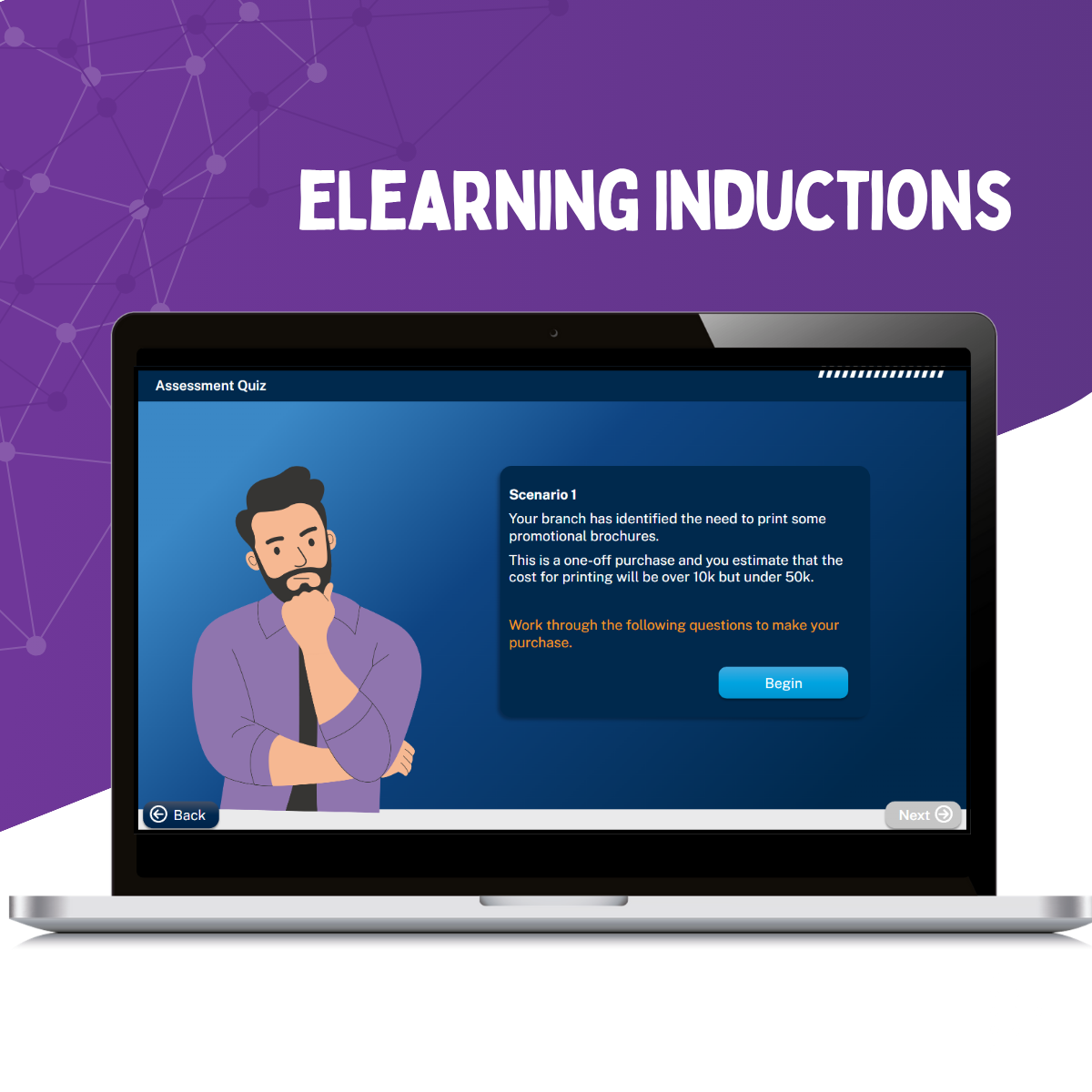
If you’re ready to chat about turning your internal training into something interactive and engaging, I’d love to hear from you.